How to refresh the Access
There are some situations when you need to log in again to a connection you added before, for example after you changed the password of that account. In this case the pipeline which uses that connection shows an error, and its page says that the connection needs a fresh login:
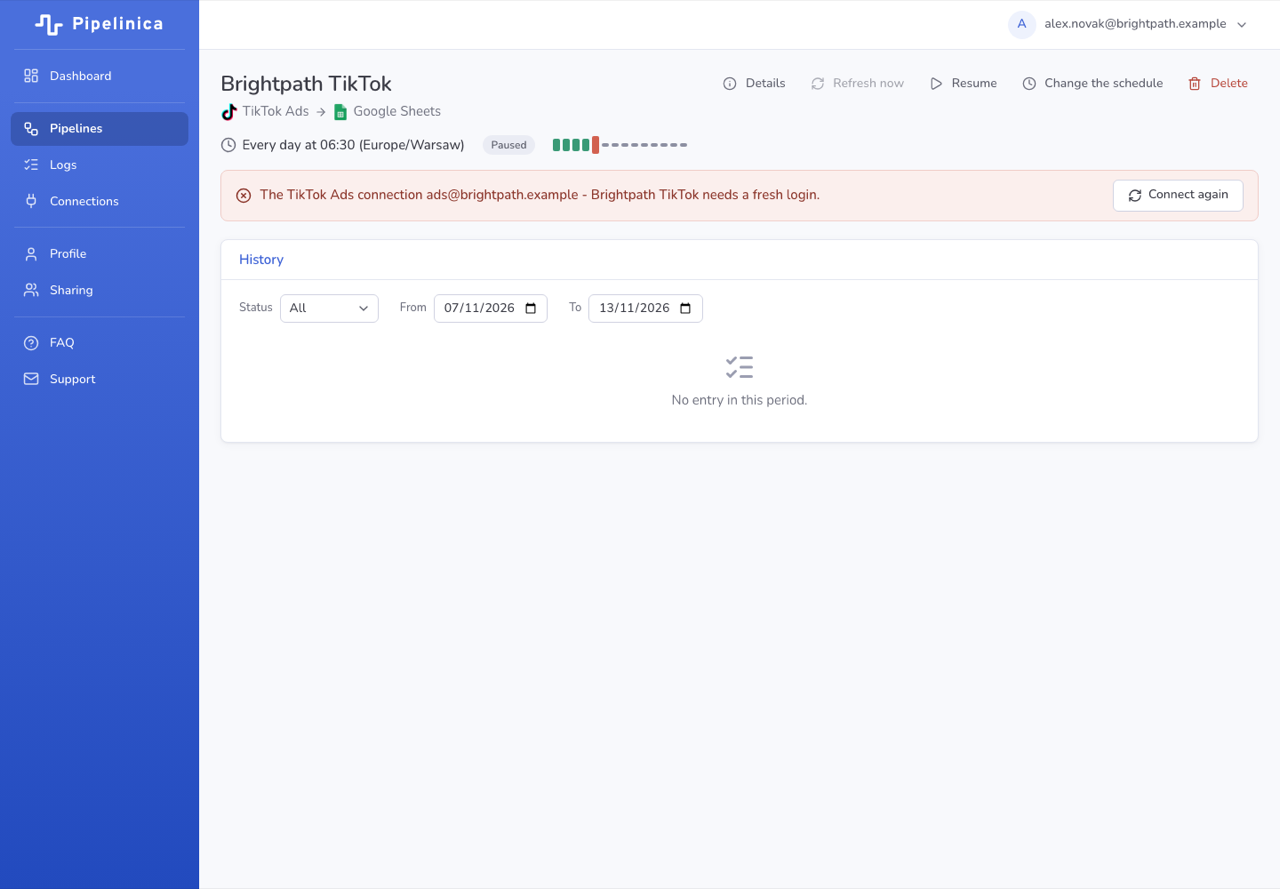
There are a few steps you should do in order to refresh the connection:
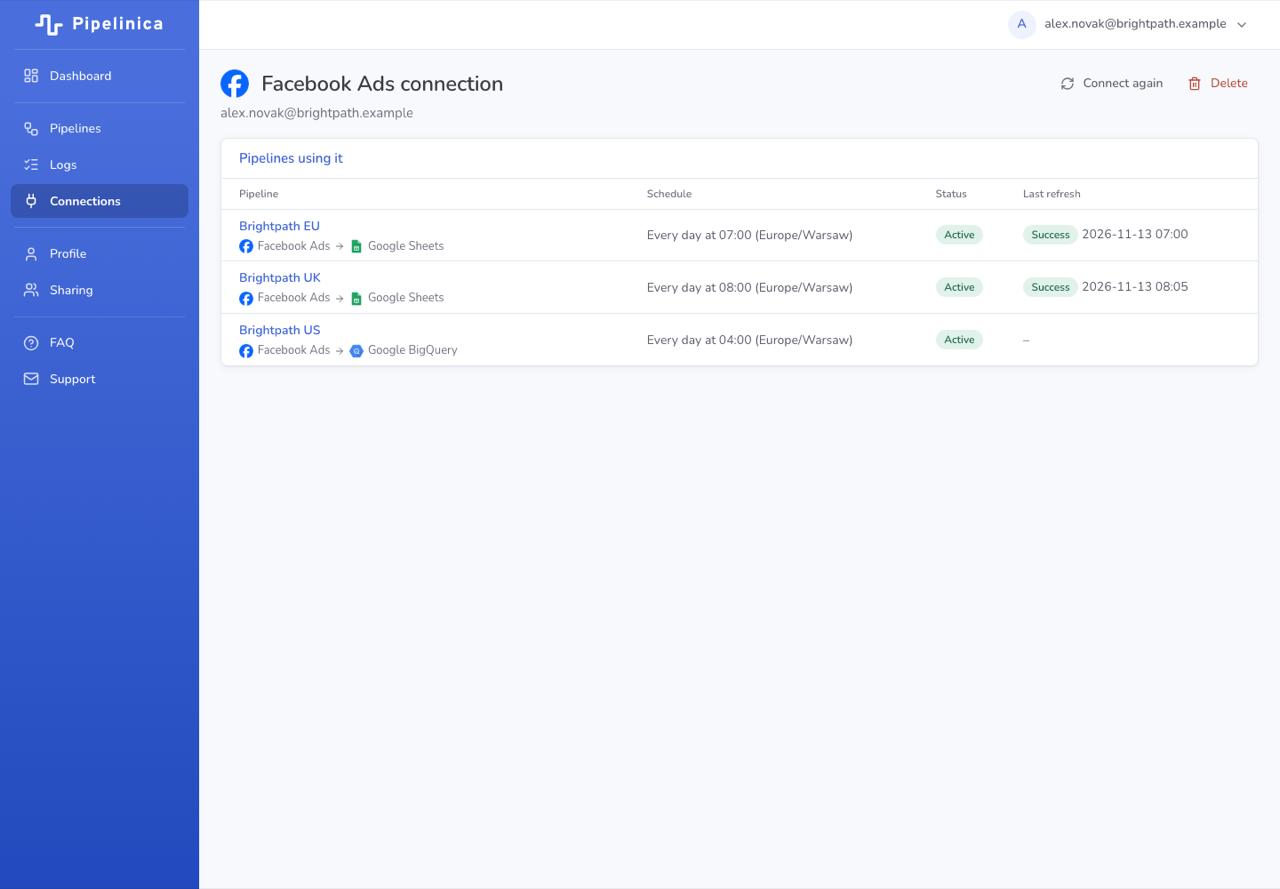
- Click “Connect again” on the pipeline's page, or go to Connections, open the connection and click “Connect again”:
- Go through the login flow with the same account.
The next refresh of the pipeline should not get an error. Please contact us if you still have issues after connecting again.
If you have any questions – feel free to contact us HERE.